.jpg)
The Panther Valley School District is excited to begin the 2025-2026 school year. Our district-wide theme, this year, is Together We Make The Difference. It will emphasize working together to support our students in their scholastic, athletic, and extra-curricular achievements. It is going to be a great year to be a Panther. One way that we are going to work towards this goal is to introduce a new communication tool called Parent Square.
ParentSquare Information
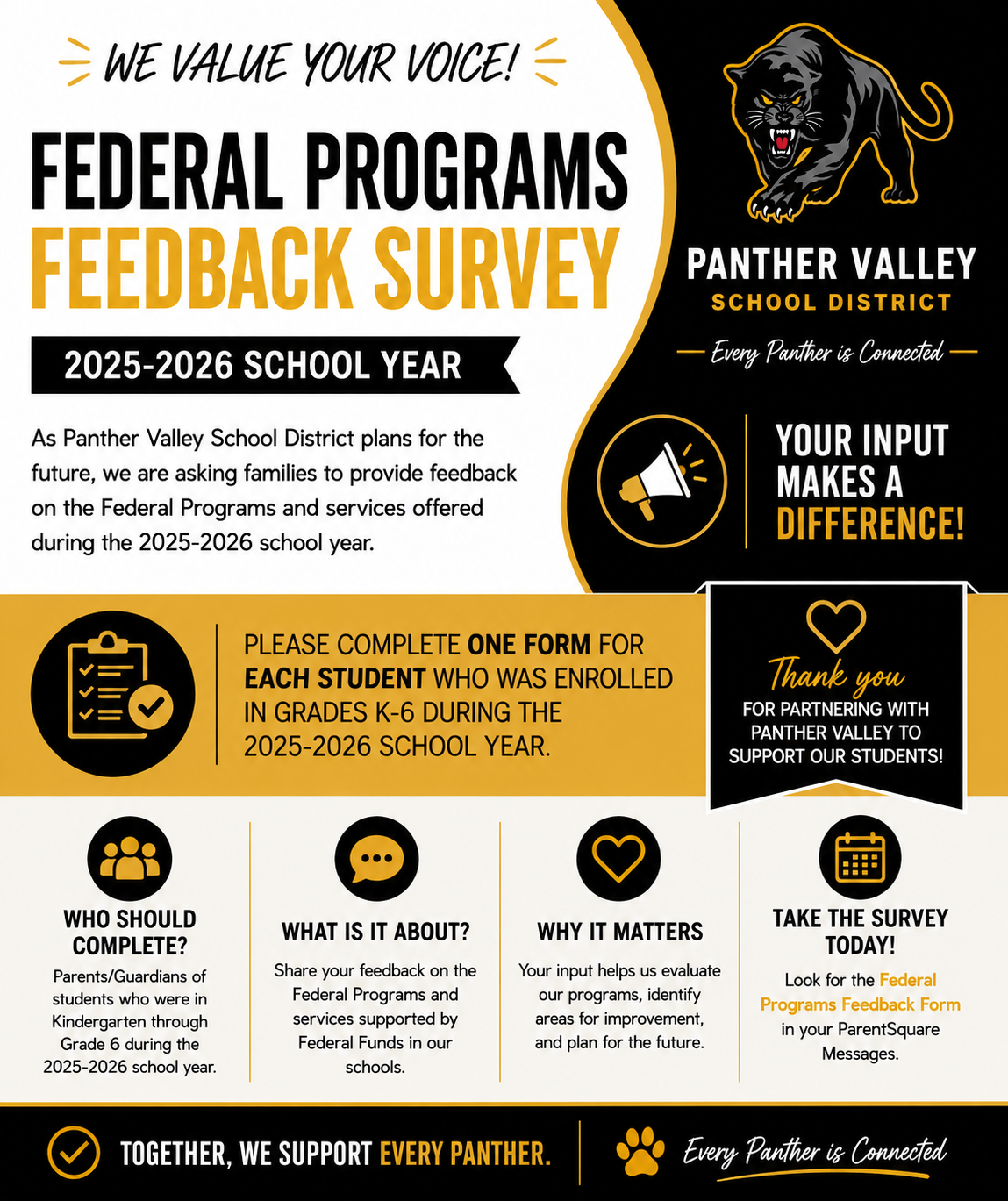
We are excited to introduce ParentSquare, a new all-in-one communication platform designed to keep families informed and connected with your child’s school. Starting this school year, ParentSquare will be our district's primary tool for communication. It will replace programs previously used in the three buildings, such as ClassDojo and Remind.
What is ParentSquare?
ParentSquare is a safe, secure, and easy-to-use communication platform that connects families with teachers, principals, and district staff. It offers a unified way to receive all important messages—from emergency alerts to classroom updates—in one convenient place.
Who Has Access to ParentSquare?
Each child registered in the district will have two parents/guardians registered into ParentSquare. These will be the first two contacts listed in the students' Sapphire profile, which is our student information system. It is important that you ensure your child's Sapphire profile is updated. You can do this by logging into your community portal account or by calling your child's school. The primary and secondary contact in Sapphire should be the two parent(s)/guardian(s) that have educational rights. Both contacts should have a current phone number and email on file. It is important if you have multiple children, that the same phone number and email be listed for all students or multiple accounts will be created for you.
Custody Situations
If your child has a court order, it is important that the first two contacts in Sapphire reflect what is outlined in the court order. No other contacts (e.g. emergency contacts) in Sapphire will have access to Parent Square. The school will refer to the most recent court order on file when determining who is given access to ParentSquare. It would be the responsibility of these two parents/guardians to share their login information with another party if they wanted that person to have access to ParentSquare.
What Can You Do with ParentSquare?
-
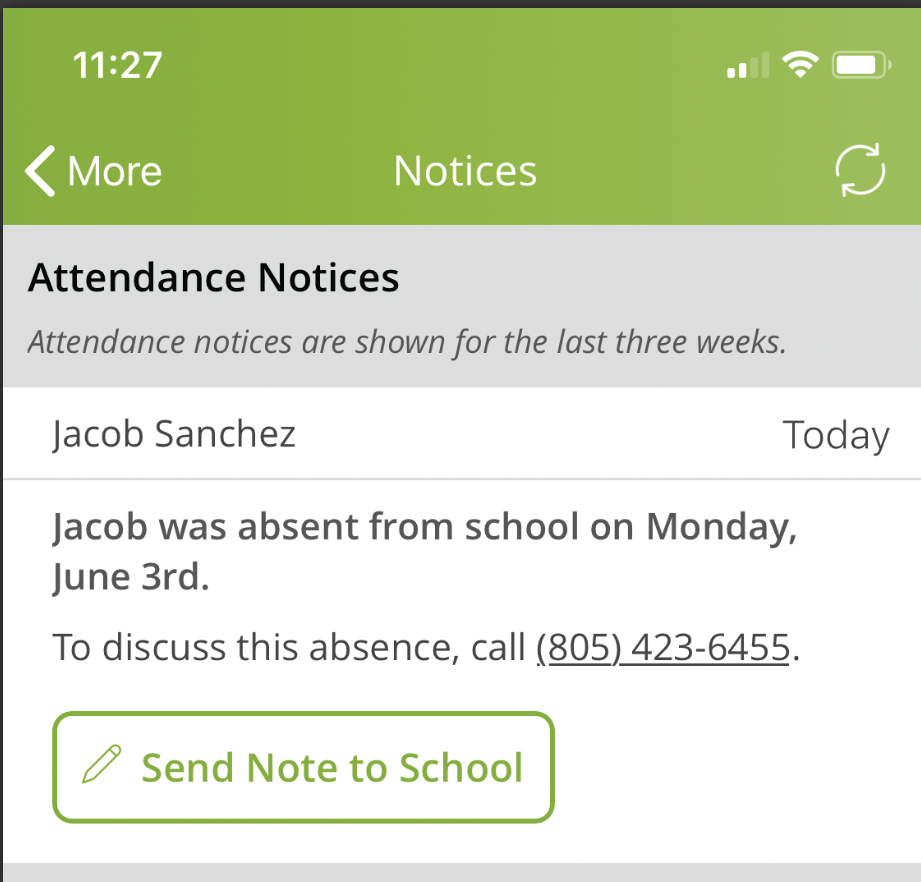
Receive daily announcements and messages via email, text, app notifications, or the web portal. This can be selected to be done immediately or in a daily digest (all information sent once per day)
-
Receive urgent alerts regarding weather or school safety via phone calls, text, and app notifications
-
Communicate directly with teachers and school staff
-
View school and classroom announcements
-
Sign permission slips, RSVP to events, or volunteer for school activities
-
Access information in your preferred language
How to Get Started:
-
Download the free ParentSquare app (iOS or Android) or log in at www.parentsquare.com.
-
You will receive an invitation via email or text to join ParentSquare before the school year begins.
-
Follow the link to activate your account.
-
Confirm your contact details in ParentSquare, change your contact details, and/or combine accounts.
-
Make sure your contact information is up to date in the school system (Sapphire), as ParentSquare pulls directly from this information.
Why Are We Using ParentSquare?
ParentSquare makes school-to-home communication more streamlined, inclusive, and accessible. Whether you're on a smartphone, tablet, or computer, it ensures you never miss an important update.
If you have any questions or need help getting started, please contact Mr. Palazzo, Supervisor of Curriculum, Student, and Community Services at [email protected] or all 570-645-2175 x4017
For more information, directly from Parent Square about using Parent Square, please click here
About the Panther Valley School District
In 1964, Summit Hill, Lansford, Coaldale and Nesquehoning schools joined to form the Panther Valley School District. Panther Valley consists of three schools, an elementary school located in Nesquehoning, an intermediate and junior senior high school located on route 209 in Summit Hill. The Panther Valley School District’s colors are black, gold, and white. The mascot is the panther.